Customer Support
Email Support Agent Workflow
An AI powered email triage system that reads incoming support emails, classifies them by category and risk, drafts a reply, and routes each email through the appropriate path, with human approval required for sensitive issues such as refunds, disputes, and complaints.
Built with
- Gmail
- n8n
- OpenAI
- Database
- Telegram
Demo walkthrough
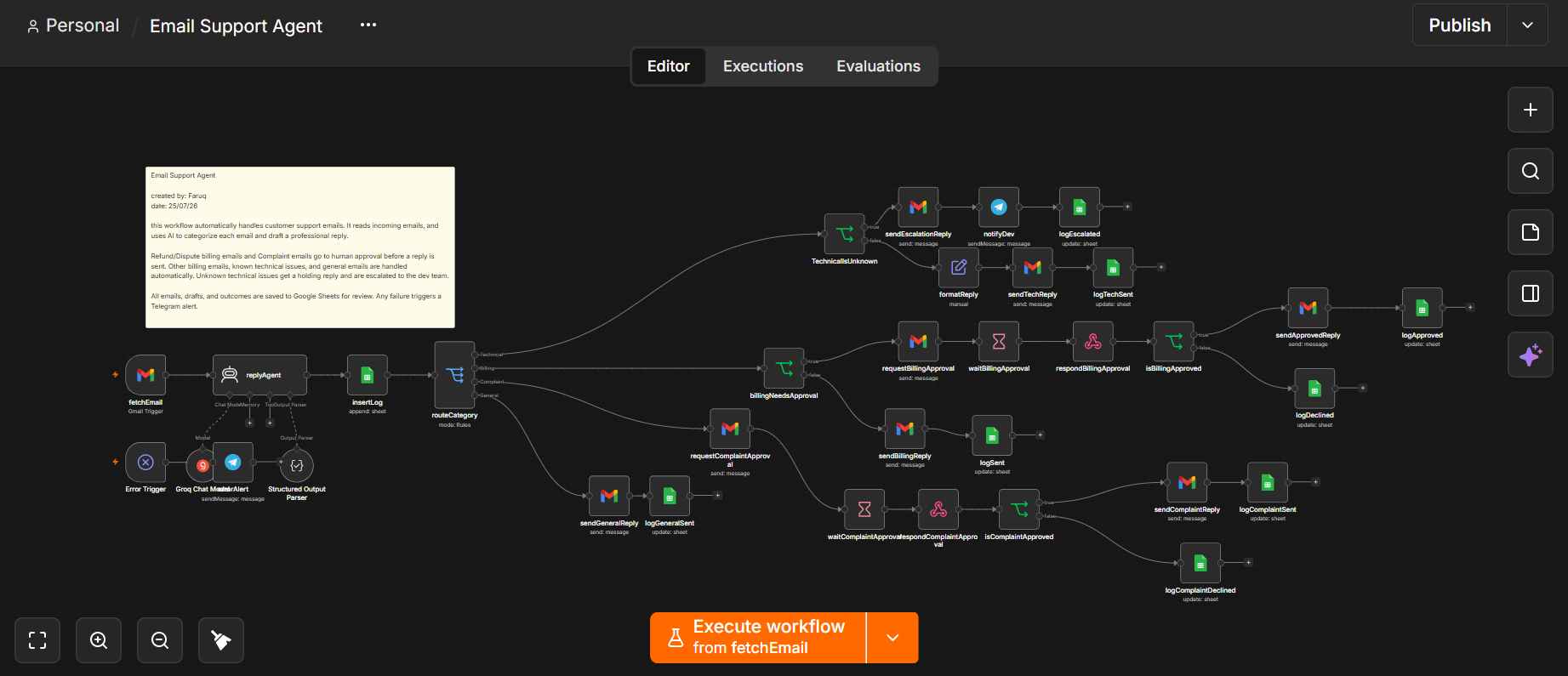
Workflow Diagram
Problem
Support inboxes get flooded with a mix of simple questions and high stakes issues such as refunds, complaints, and account problems. Without automatic triage, agents have to manually review and handle each email, even when the issue is straightforward.
This takes time away from more important issues and makes it difficult to maintain a consistent process for deciding which emails can be handled automatically and which ones require human judgment.
Solution
This workflow gives the support team an automated way to sort and handle incoming emails based on what each request requires.
Instead of having an agent manually review every message, an AI Agent reads each email, classifies it by category and sub-category, and prepares a draft reply. This gives the workflow the information it needs to decide how the email should be handled.
Routine requests can be handled automatically, while refunds, disputes, and complaints are sent for human approval before a response reaches the customer. Technical issues the AI cannot confidently resolve are escalated to developers with a summary of the problem.
Every email is logged from arrival to final outcome, giving the support team a clear record of how each request was handled.
Step by step
How The Workflow Works
- 01
New support email arrives
The Gmail trigger detects a new email with the Support label.
- 02
AI classifies the email and drafts a reply
Category, sub category, technical summary, and draft reply are generated.
- 03
Email is logged
The email arrival is recorded before any action is taken.
- 04
Email is routed by category
The email is sent down the Technical, Billing, Complaint or General path.
- 05
Technical issue is checked
Known technical issues are answered automatically, while unresolved issues are sent to developers.
- 06
Billing issue is checked
Refunds and disputes require human approval, while other billing issues can be handled automatically.
- 07
High risk reply needs approval
Refunds, disputes, and complaints are sent for human approval before the reply is sent.
- 08
Low risk reply is sent automatically
Known technical issues, non-sensitive billing issues, and general questions can receive an automatic reply.
- 09
Outcome is logged
The final status of the email and its handling are recorded.
Key Features
- Category-based email classification
- Billing sub-category routing
- Human approval for high-risk replies
- Automatic replies for known and low-risk issues
- Developer escalation for unresolved technical issues
- Email logging and outcome tracking
Tools & Integrations
- GMGmailReceives incoming support emails and triggers the workflow
- OPOpenAIReads, classifies, and drafts replies to support emails
- DADatabaseStores incoming emails and tracks their final outcomes
- TETelegramNotifies developers when technical issues need further attention
- N8n8nConnects the services and runs the automation logic
Outcome
The support team no longer needs to manually review every incoming email. Routine requests are handled automatically, while sensitive issues are sent for human approval and technical issues that need further attention are escalated to developers. This creates a more consistent support process, reduces manual work, and ensures every email is tracked from arrival through its final outcome.
Related Workflows
View All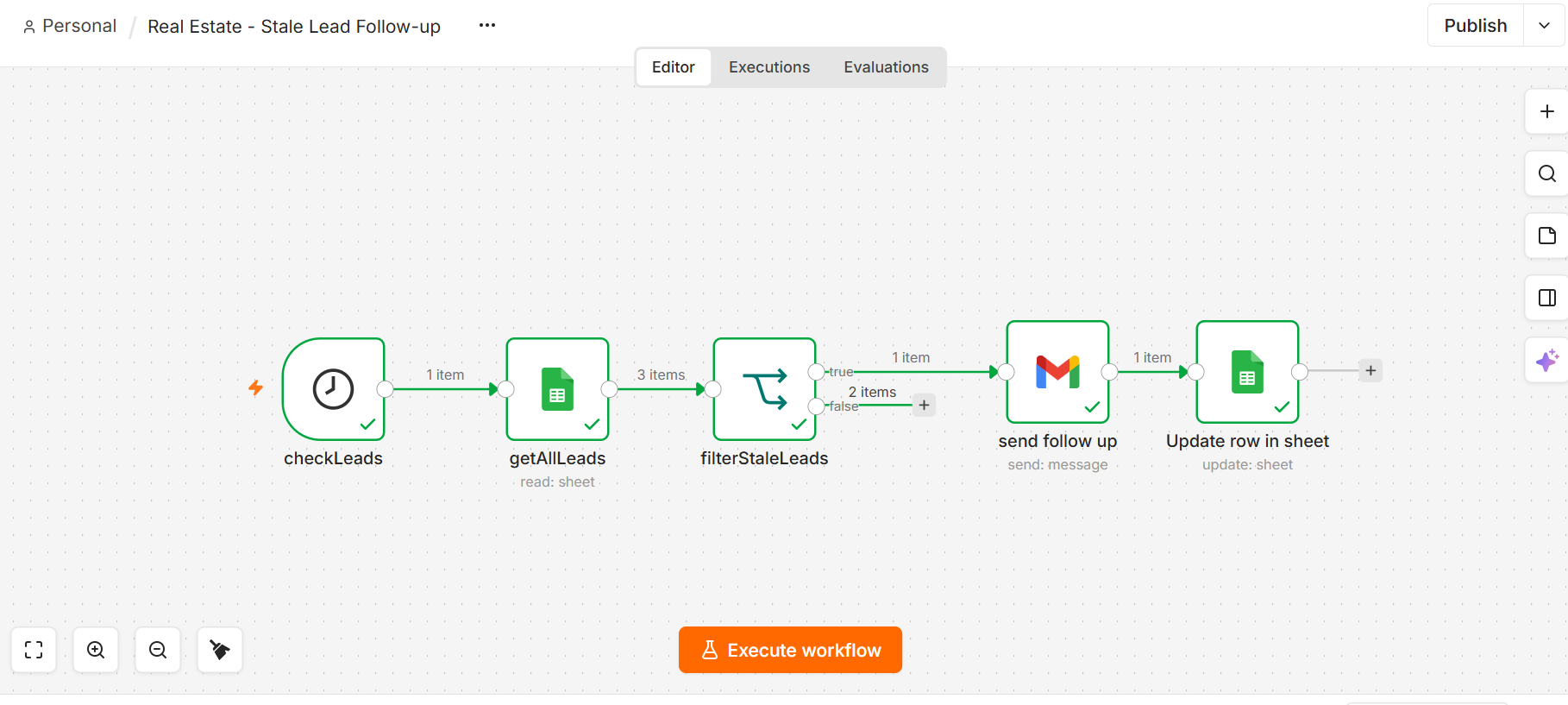
Real Estate
Lead Follow Up Automation
Leads that go quiet for 2 days get followed up automatically. None forgotten.
- n8n
- Database/CRM
Real Estate
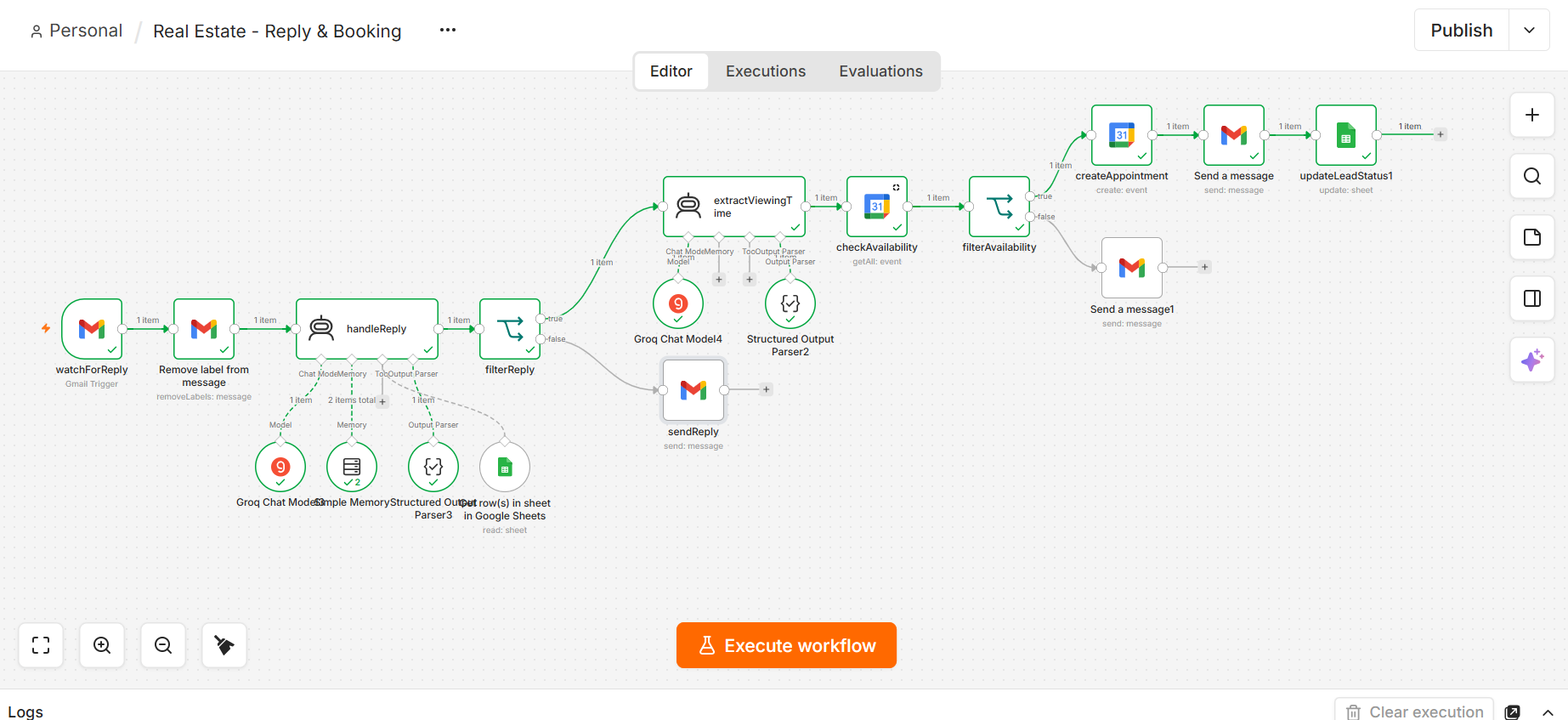
Real Estate Reply & Booking Assistant
Property questions answered and viewings booked straight into the calendar.
- n8n
- AI
- Property Data
- Google Calendar
Real Estate
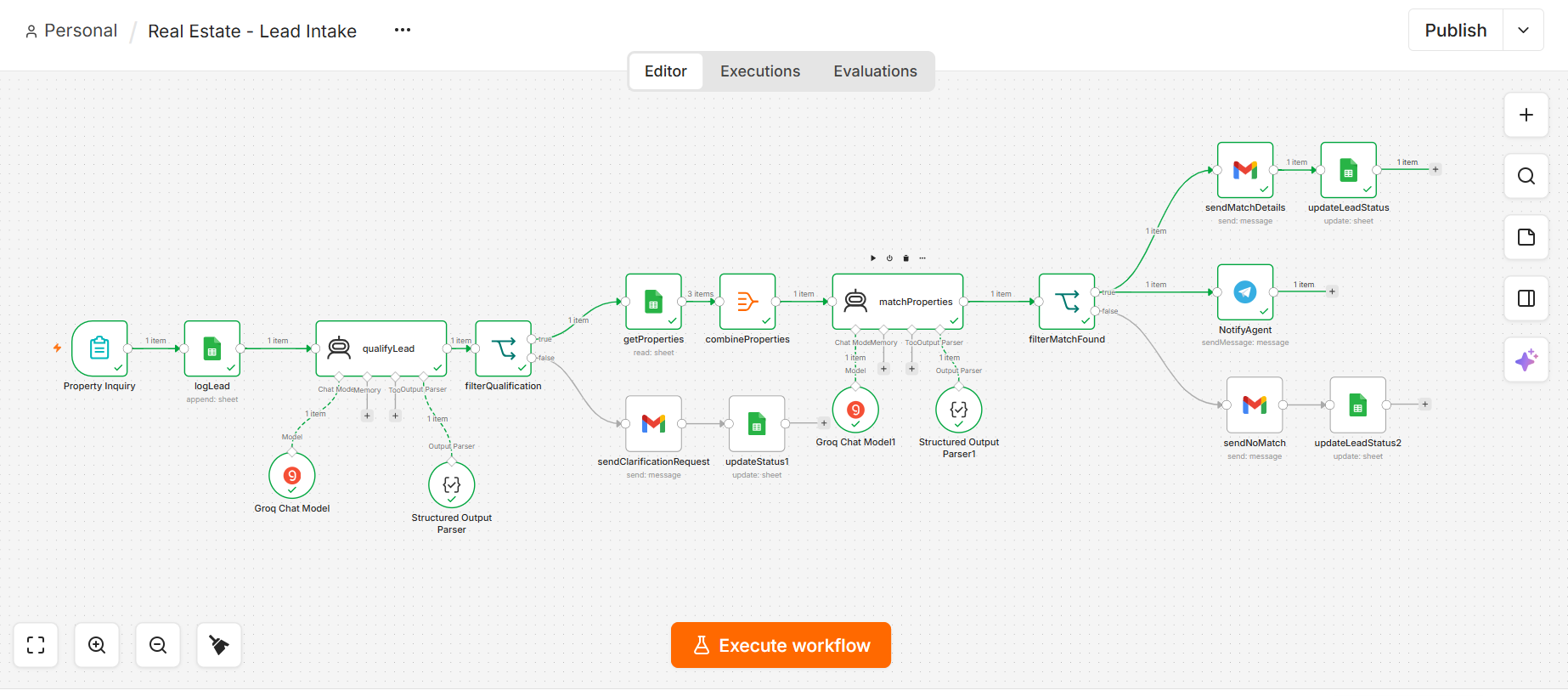
Real Estate Lead Intake & Qualification
Inquiries qualified by AI, matched to listings, agent notified.
- n8n
- AI
- Forms
- Database