Real Estate
Lead Follow Up Automation
A scheduled workflow that reviews lead activity every day and re-engages inactive leads automatically, while leaving active conversations untouched.
Built with
- n8n
- Database/CRM
Demo walkthrough
Problem
Real estate leads can go quiet after showing initial interest. Agents may have to manually track who was last contacted, when the conversation happened, which leads are active and which leads need follow up.
Without a system, quiet leads are simply forgotten while agents focus on whoever replied most recently.
Solution
Never lose a lead to silence.
This workflow runs automatically every day and checks each lead’s activity, including their status, last contact date, and whether a viewing has been booked.
Leads who have gone quiet are automatically sent a friendly re-engagement message. Leads who are still active or already have a viewing scheduled are skipped, so they don’t receive unnecessary follow ups and no manual tracking is required.
Step by step
How The Workflow Works
- 01
Daily schedule triggers the workflow
Runs on a fixed time each day.
- 02
Lead status is reviewed
The system reviews the current status of each lead.
- 03
Inactive leads are identified
Leads who have gone quiet and have no viewing scheduled are selected for follow up.
- 04
A re-engagement email is sent
The selected leads receive a friendly follow up message automatically.
- 05
Active and booked leads are skipped
Leads who are still active or already have a viewing scheduled receive no message.
- 06
The follow up is recorded
The system logs the follow up against the lead.
Key Features
- Daily scheduled run
- Inactivity detection
- Viewing status check
- Automated re-engagement
- Skips active conversations
- Contact history updates
Tools & Integrations
- N8n8nScheduled workflow orchestration
- DADatabase / CRMLead status and contact history
- EMEmailRe-engagement messaging
Outcome
Inactive leads are automatically identified and followed up at the right time, giving agents a consistent way to re-engage leads before they are lost.
Related Workflows
View All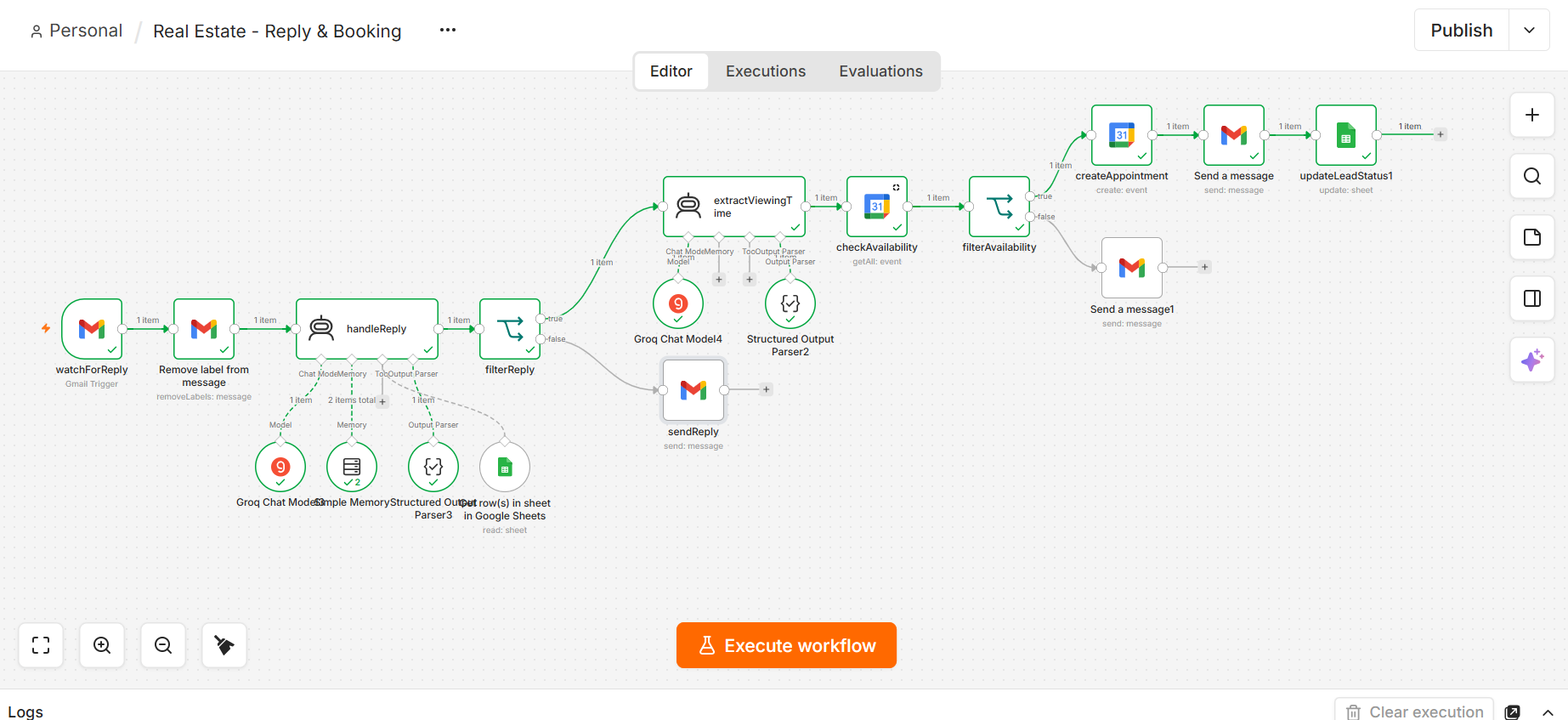
Real Estate
Real Estate Reply & Booking Assistant
Property questions answered and viewings booked straight into the calendar.
- n8n
- AI
- Property Data
- Google Calendar
Real Estate
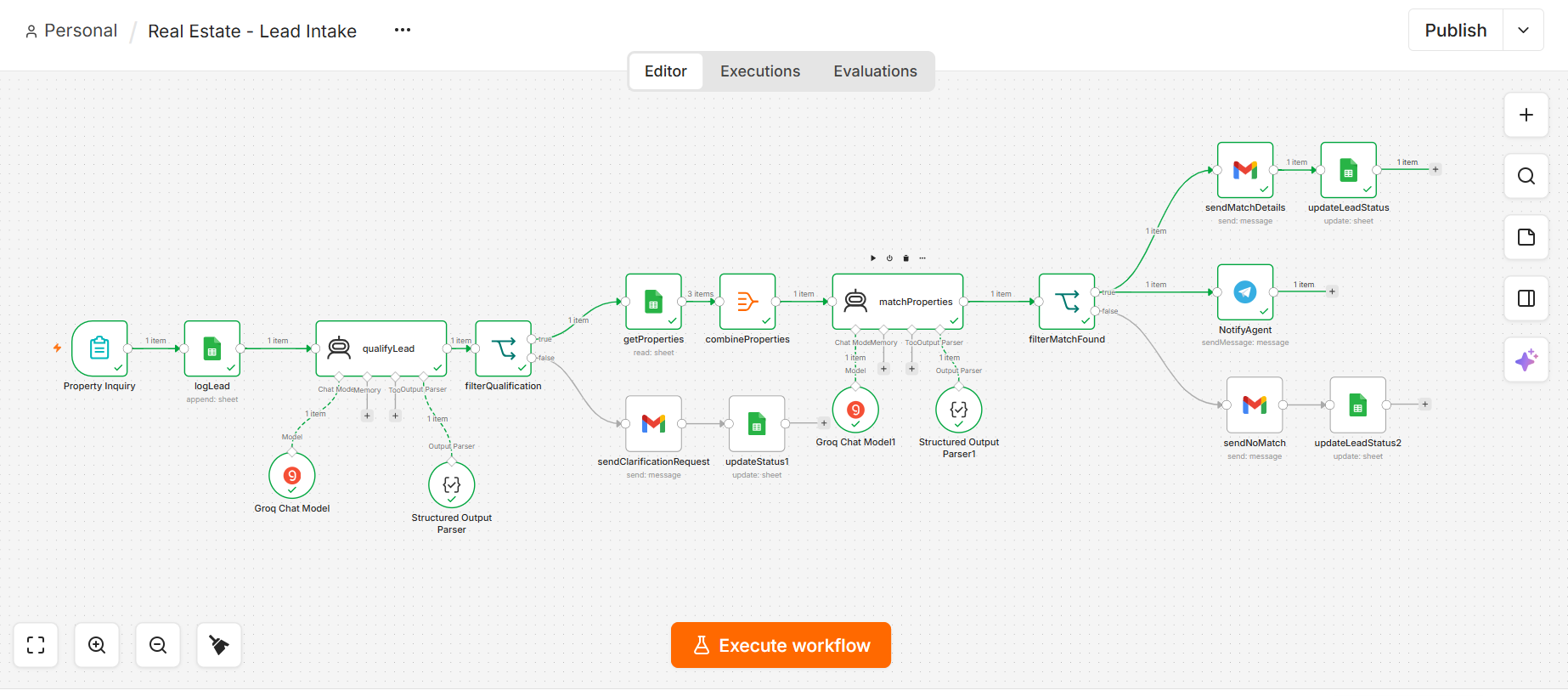
Real Estate Lead Intake & Qualification
Inquiries qualified by AI, matched to listings, agent notified.
- n8n
- AI
- Forms
- Database
Customer Support
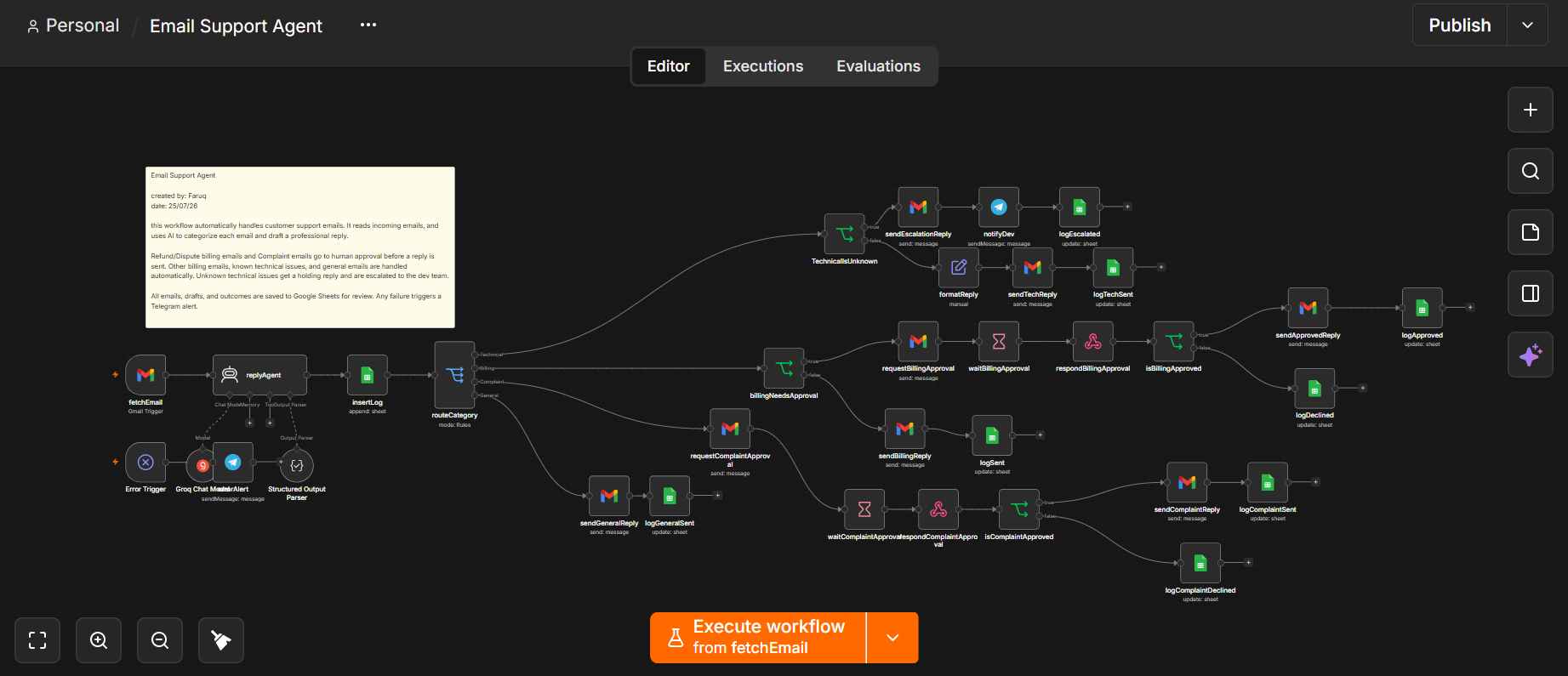
Email Support Agent Workflow
Every support email classified, drafted, and routed by risk before you open your inbox.
- Gmail
- n8n
- OpenAI
- Database
- Telegram