Real Estate
Real Estate Lead Intake & Qualification
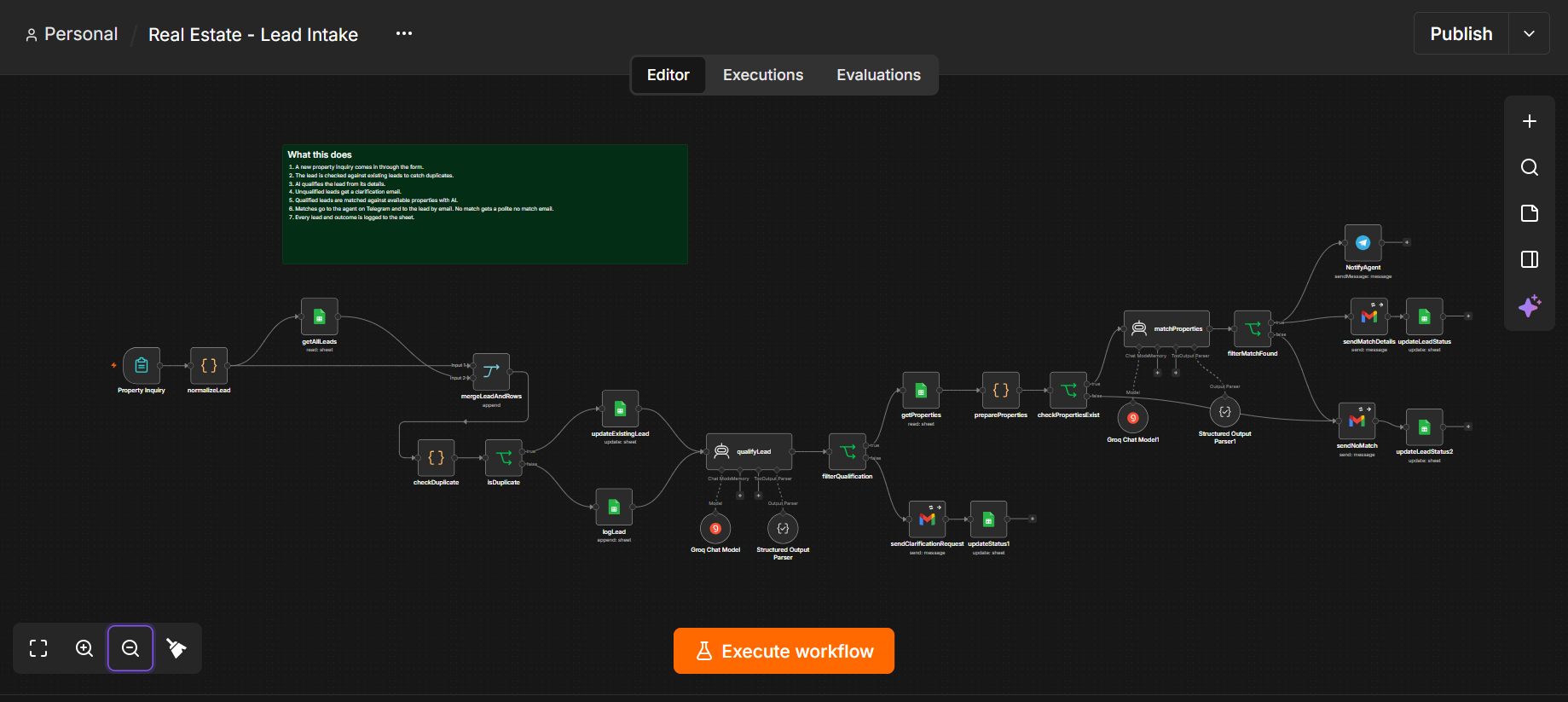
When a buyer fills in the property form, this system takes it from there. It cleans the details, checks if this person has asked before, and uses AI to judge if the inquiry has everything needed: a real budget, a real location, a clear property type, and a timeline. Qualified inquiries are matched against the available listings. The client gets an email with the matches, and the agent gets an alert with the lead details, so follow up starts right away. If the inquiry is missing something, the system emails the client to ask for it instead of letting the lead go cold.
Built with
- n8n
- AI
- Forms
- Google Sheets
- Telegram
Demo walkthrough
Workflow Diagram
Problem
Real estate agencies get inquiries from everywhere, but most of them are not ready to act on.
An agent has to read each one, chase missing details, figure out what the client actually wants, dig through listings for a match, and only then follow up.
That is slow work. While it happens, hot leads cool off and some get forgotten completely.
Solution
This system handles the whole front of the process on its own.
A client submits their requirements through a form. The system cleans the details, checks whether they have asked before, and lets AI decide if the inquiry is complete.
Complete inquiries are matched to available listings. The client receives the matches by email and the agent is alerted on Telegram with the full picture.
Incomplete inquiries get an automatic email asking for what is missing, so no lead is lost.
Step by step
How The Workflow Works
- 01
Client fills the form
Name, email, budget, location, property type, and timeline go in.
- 02
Details are cleaned and stored
The submission is tidied up and logged to the lead sheet. If the email is already there, the row is updated instead of a new one being added.
- 03
AI qualifies the lead
The system checks for a real budget, a real location, a clear property type, and a timeline.
- 04
Missing details are requested
If something is missing, the client gets an email asking for it.
- 05
Listings are pulled
Available properties come in from the listings sheet.
- 06
AI matches properties
The system compares the lead's needs against the listings.
- 07
Client and agent are notified
The client gets an email with the matches, and the agent gets an alert with the lead summary. Every lead and outcome is logged.
- 08
No match gets a holding email
If nothing fits, the client hears that the search is on, and the lead is still logged for follow up.
Key Features
- AI lead qualification
- Automatic property matching
- Agent alerts on Telegram
- Duplicate lead detection
- Missing detail follow up
- Every outcome logged
Tools & Integrations
- N8n8nWorkflow orchestration
- AIAI / LLMLead evaluation and property matching
- WEWeb FormLead information collection
- GOGoogle SheetsLead and listing records
- EMEmailClient emails
- TETelegramInstant agent alerts
Outcome
Leads move faster and no one falls through the cracks. Agents spend their time on qualified buyers instead of screening forms, and every client gets an answer the same day.
Related Workflows
View All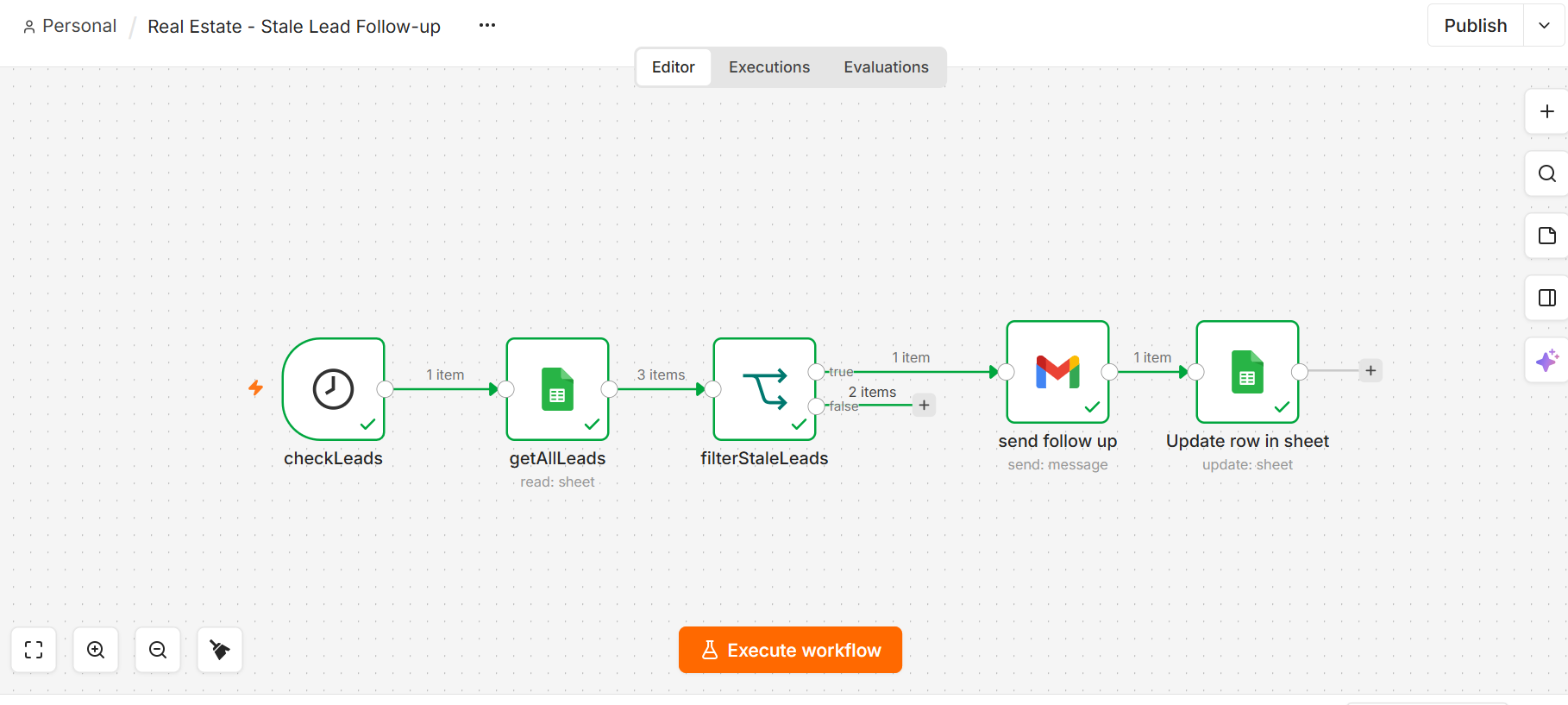
Real Estate
Lead Follow Up Automation
Leads that go quiet for 2 days get followed up automatically. None forgotten.
- n8n
- Database/CRM
Real Estate
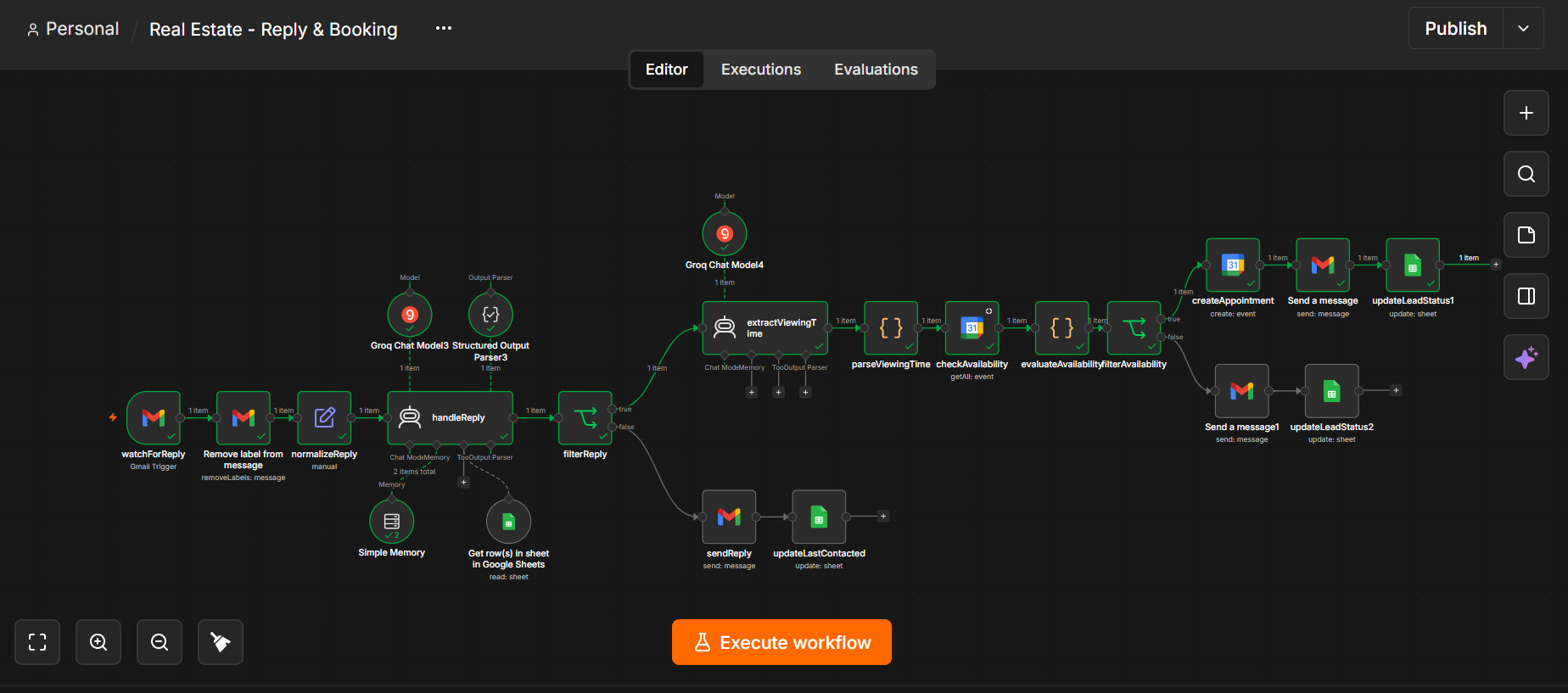
Real Estate Reply & Booking Assistant
Property questions answered and viewings booked straight into the calendar.
- n8n
- AI
- Property Data
- Google Calendar
Customer Support
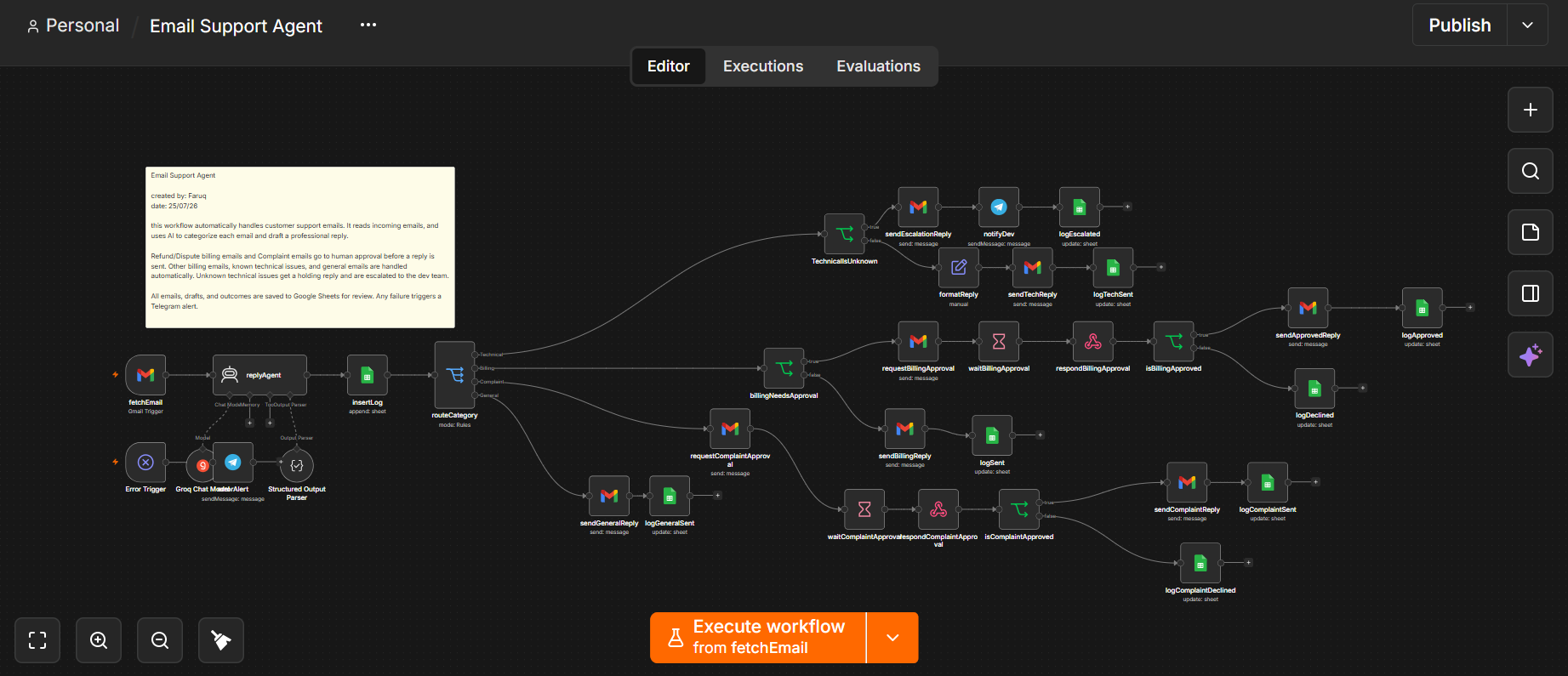
Email Support Agent Workflow
Every support email classified, drafted, and routed by risk before you open your inbox.
- Gmail
- n8n
- OpenAI
- Database
- Telegram