Real Estate
Real Estate Reply & Booking Assistant
A workflow that takes over after a property match is sent, interprets customer replies, answers property-related questions, and automates viewing bookings based on real calendar availability.
Built with
- n8n
- AI
- Property Data
- Google Calendar
Demo walkthrough
Problem
After a property match is found, the customer receives an email asking if they would like to schedule a viewing.
When the customer replies, an agent may still need to read the response, answer property questions, determine whether they want a viewing, check calendar availability, create the appointment and send confirmation.
Every reply creates another round of manual work, which delays scheduling and pulls agents away from higher value work.
Solution
The workflow takes over as soon as the customer replies. AI analyzes the response and determines whether the customer is asking a property-related question or requesting a viewing.
→ For property questions, AI uses the property listing information to generate a relevant answer and sends it to the customer automatically.
→ For viewing requests, the workflow identifies the customer's preferred date and time, checks Google Calendar for availability, books the available slot, and sends the customer a confirmation.
This removes the manual back and forth from the process, allowing customer replies to be handled and viewing appointments to be scheduled automatically.
Step by step
How The Workflow Works
- 01
Customer replies to the match email
The customer’s reply triggers the workflow.
- 02
AI analyses the response
The message is analysed to understand what the customer needs.
- 03
Intent is classified
The response is identified as a property question or viewing request.
- 04
Property question is answered by AI
AI uses the listing information to generate a relevant answer.
- 05
Preferred viewing time is identified
The requested date and time are taken from the customer’s reply.
- 06
Google Calendar availability is checked
The workflow checks for an available time that matches the request.
- 07
Viewing is booked and confirmation is sent
The appointment is added to the calendar and the customer receives a confirmation.
Key Features
- AI reply analysis
- Answers based on property information
- Customer date and time detection
- Calendar availability check
- Automatic viewing booking
- Booking confirmation messages
Tools & Integrations
- N8n8nWorkflow orchestration
- AIAI / LLMReply analysis and response generation
- EMEmailReply trigger and confirmations
- PRProperty DataListing details used for answers
- GOGoogle CalendarAvailability checks and booking
Outcome
→ Customer replies are handled as they come in Property questions receive consistent answers based on the listing, and viewing requests are booked directly into the calendar. → Less manual work for agents Agents no longer need to manually review replies, coordinate availability, and send booking confirmations.
Related Workflows
View All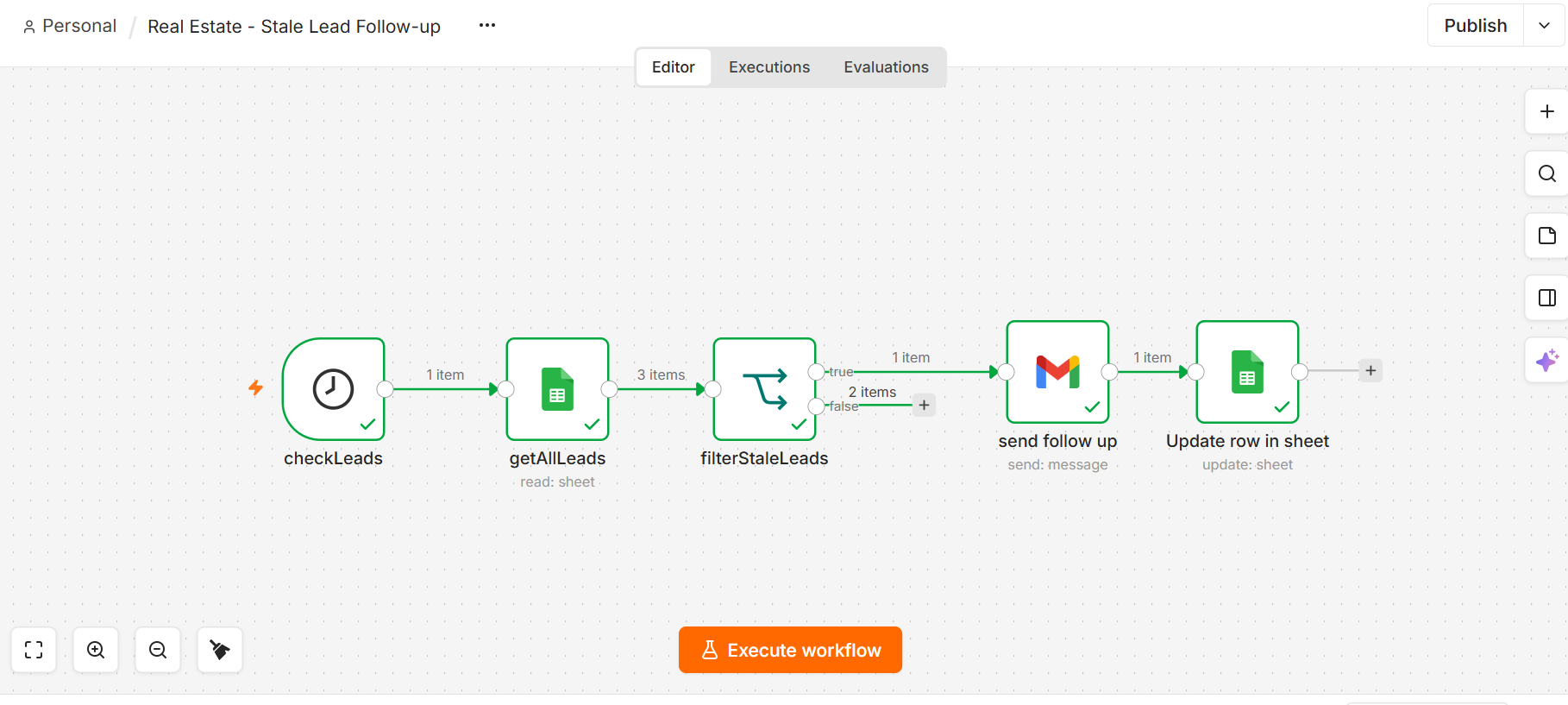
Real Estate
Lead Follow Up Automation
Leads that go quiet for 2 days get followed up automatically. None forgotten.
- n8n
- Database/CRM
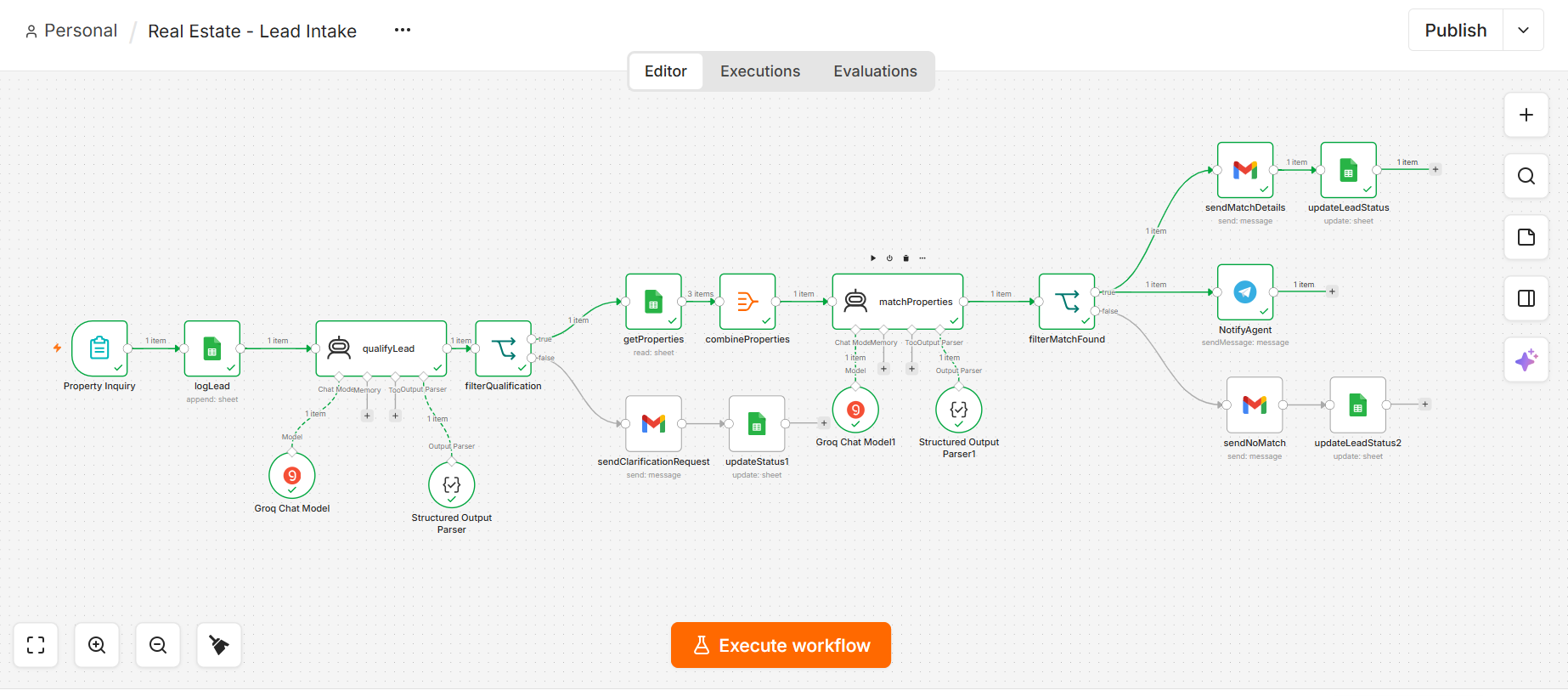
Real Estate
Real Estate Lead Intake & Qualification
Inquiries qualified by AI, matched to listings, agent notified.
- n8n
- AI
- Forms
- Database
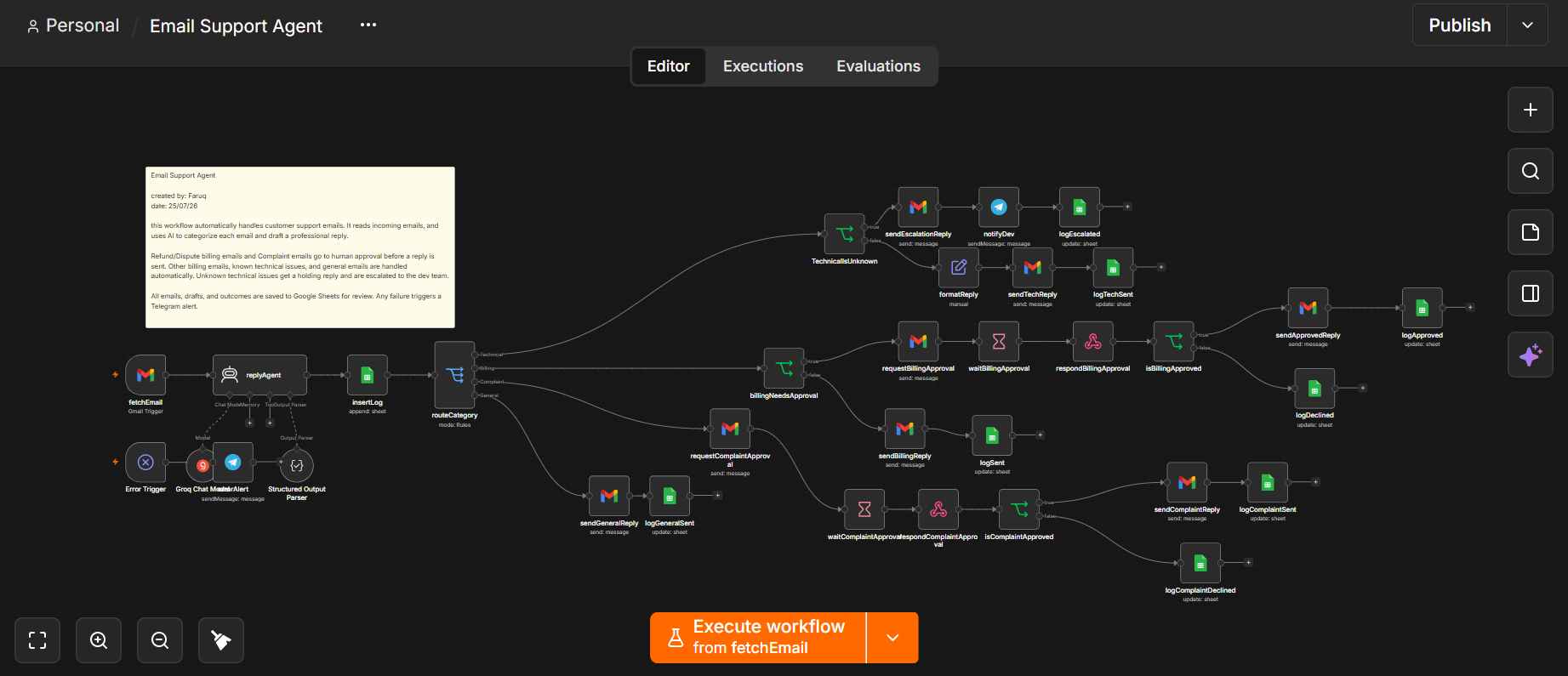
Customer Support
Email Support Agent Workflow
Every support email classified, drafted, and routed by risk before you open your inbox.
- Gmail
- n8n
- OpenAI
- Database
- Telegram